

First launch and Setup
Before you start
Section titled “Before you start”OpenF2 runs your own copy of F 2nd. It ships no game data, can’t help you obtain the game, and reads only what you give it. Have two things ready:
- Your game data, copied from your own copy of F 2nd to a folder on your computer: the game’s top folder, or the
PS3_GAMEfolder inside it. OpenF2 reads itsPARAM.SFOanddata.psarcfrom there, in place. - Your key files,
farc.keyanddivafile.key, made from your own copy of the game. They unlock the game’s encrypted art, charts and PV database. OpenF2 never ships keys, and the community never shares them or says where to get them.
OpenF2 never changes, copies or uploads your game data or keys. It reads them from where they are, and remembers only where they are.
1. The AI statement
Section titled “1. The AI statement”The first screen, before any other, is OpenF2’s statement on how it was made: its code was written with the help of AI, and it contains no AI-generated art. Agree and play goes on. Disagree and quit closes OpenF2. Language changes the language of every screen, and Read the fine print opens the terms of play.
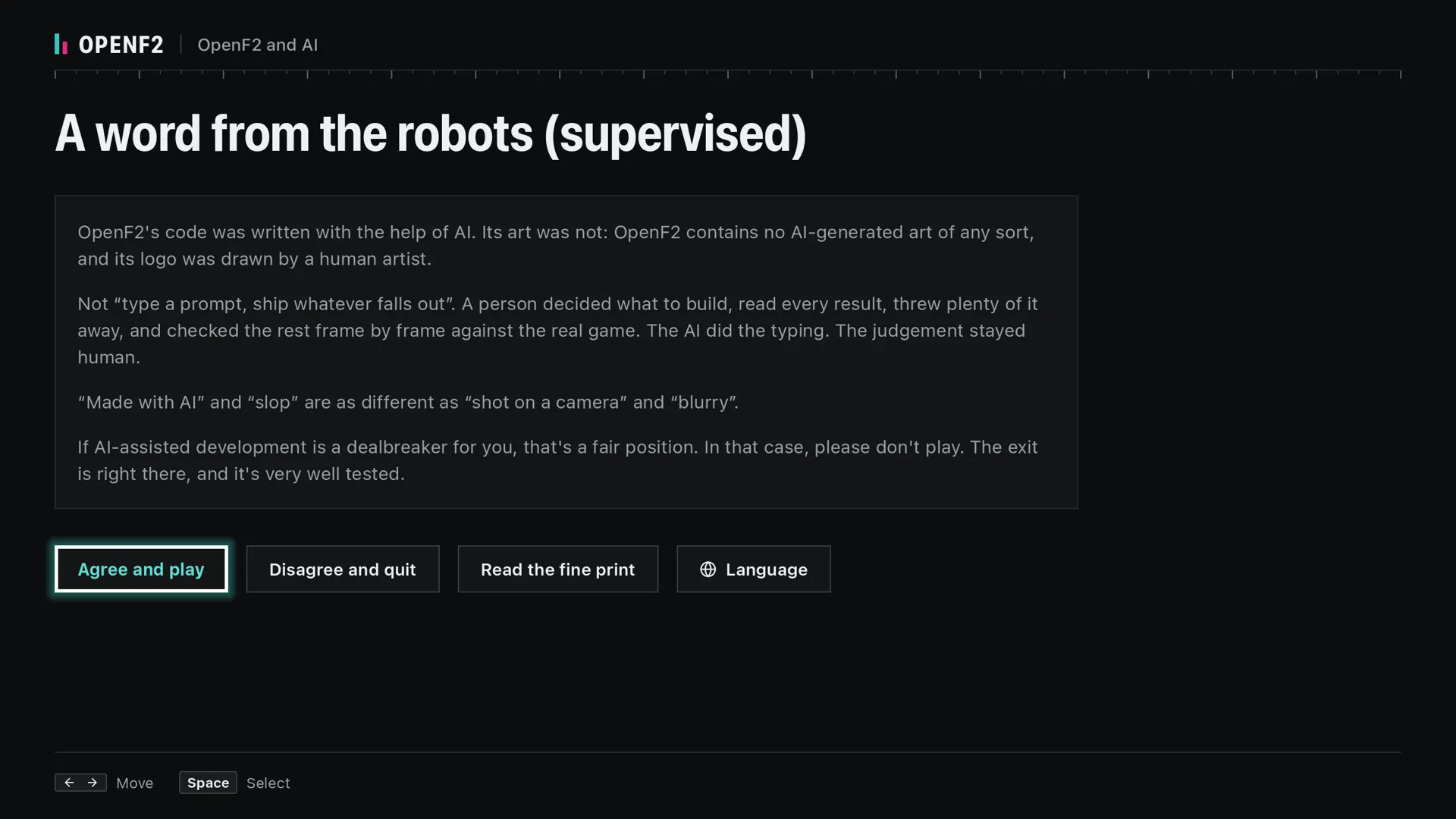
OpenF2 asks once. It asks again only if the statement changes.
2. Choose your game folder
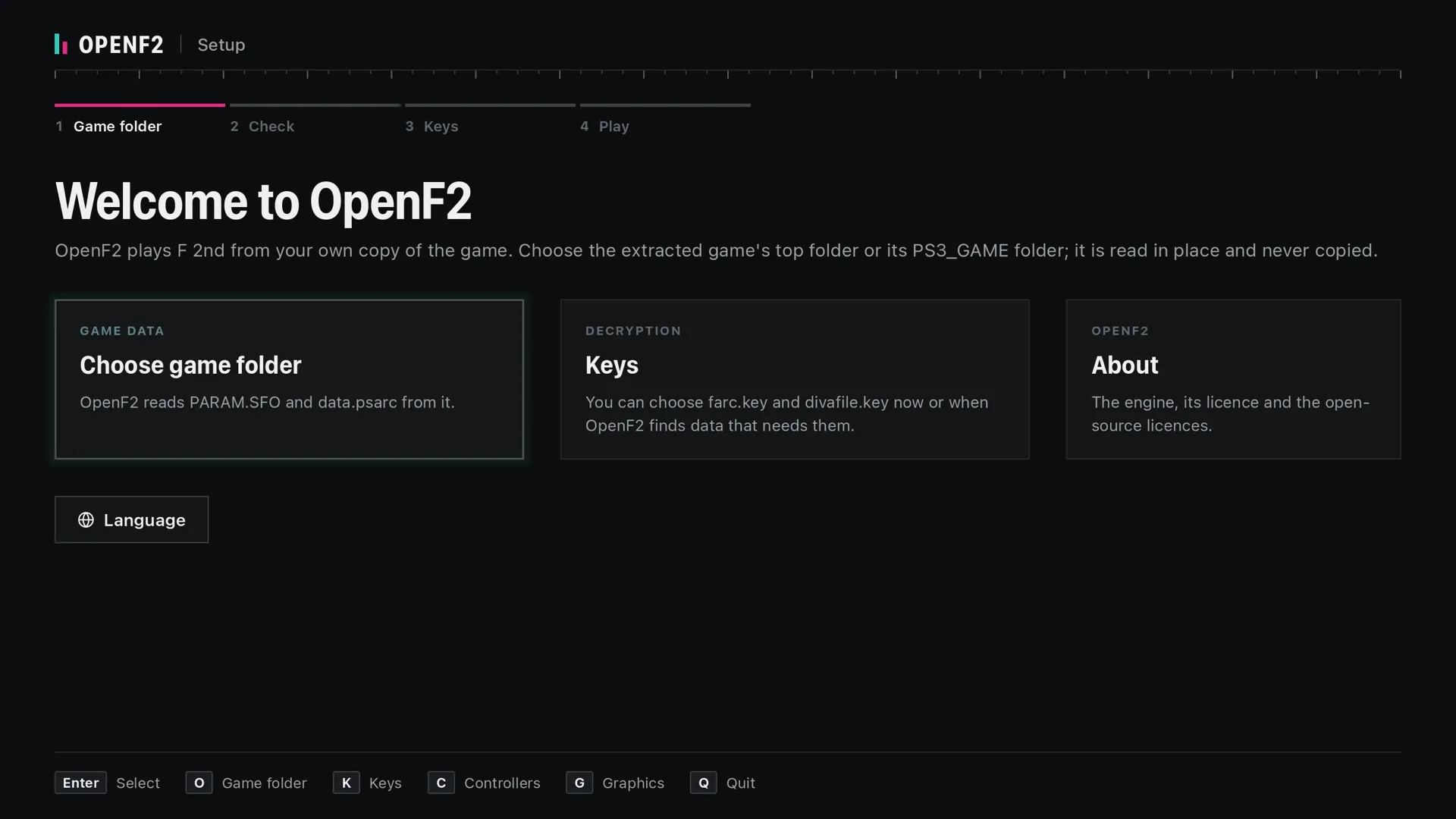
Section titled “2. Choose your game folder”Setup opens on its first step. Choose Choose game folder (or press O) and pick your game’s top
folder or its PS3_GAME folder. You can also choose your key files now from Keys, or later when OpenF2 asks.
3. The check
Section titled “3. The check”OpenF2 reads the game’s product ID from PARAM.SFO and checks its archive. Nothing is extracted or copied. The chip
at the top right says what it found:
| Chip | Meaning |
|---|---|
| Green, Verified | A supported game, and the very data OpenF2 is tested with |
| Yellow, Unverified | A supported game, but data OpenF2 has not been tested with. It should play |
| Red, not supported | A game OpenF2 does not support yet, or a folder whose PARAM.SFO is missing. OpenF2 does not play it |
4. Key files
Section titled “4. Key files”If your game data has encrypted containers, Setup lists the key files it needs. Choose Choose key files.
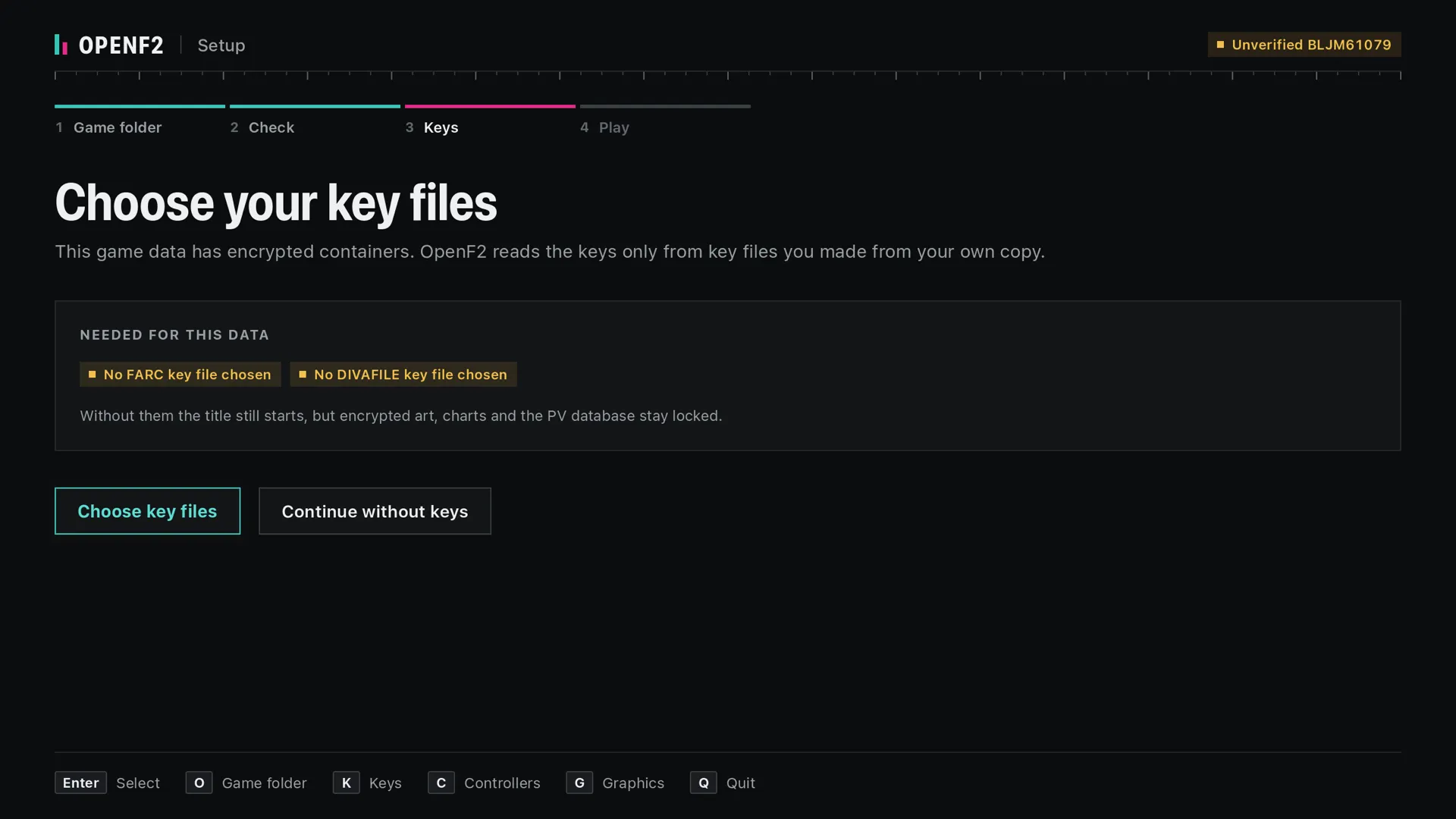
The Keys screen has a slot for each file. Pick a slot with the arrow keys, press Enter and choose the file. Each slot turns green once its key checks out. OpenF2 reads the keys into memory and saves only where the files are. Clear key files forgets them.
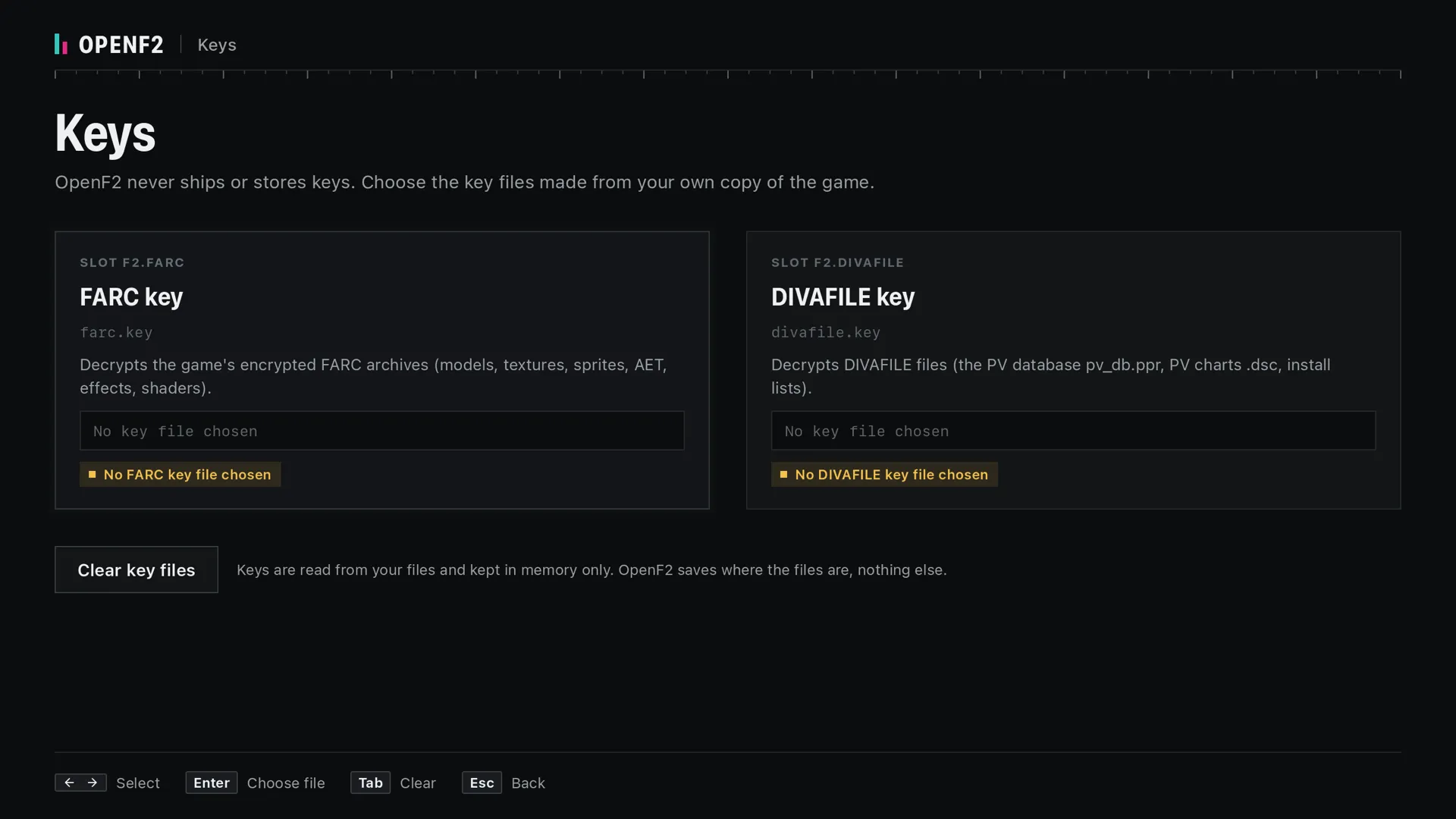
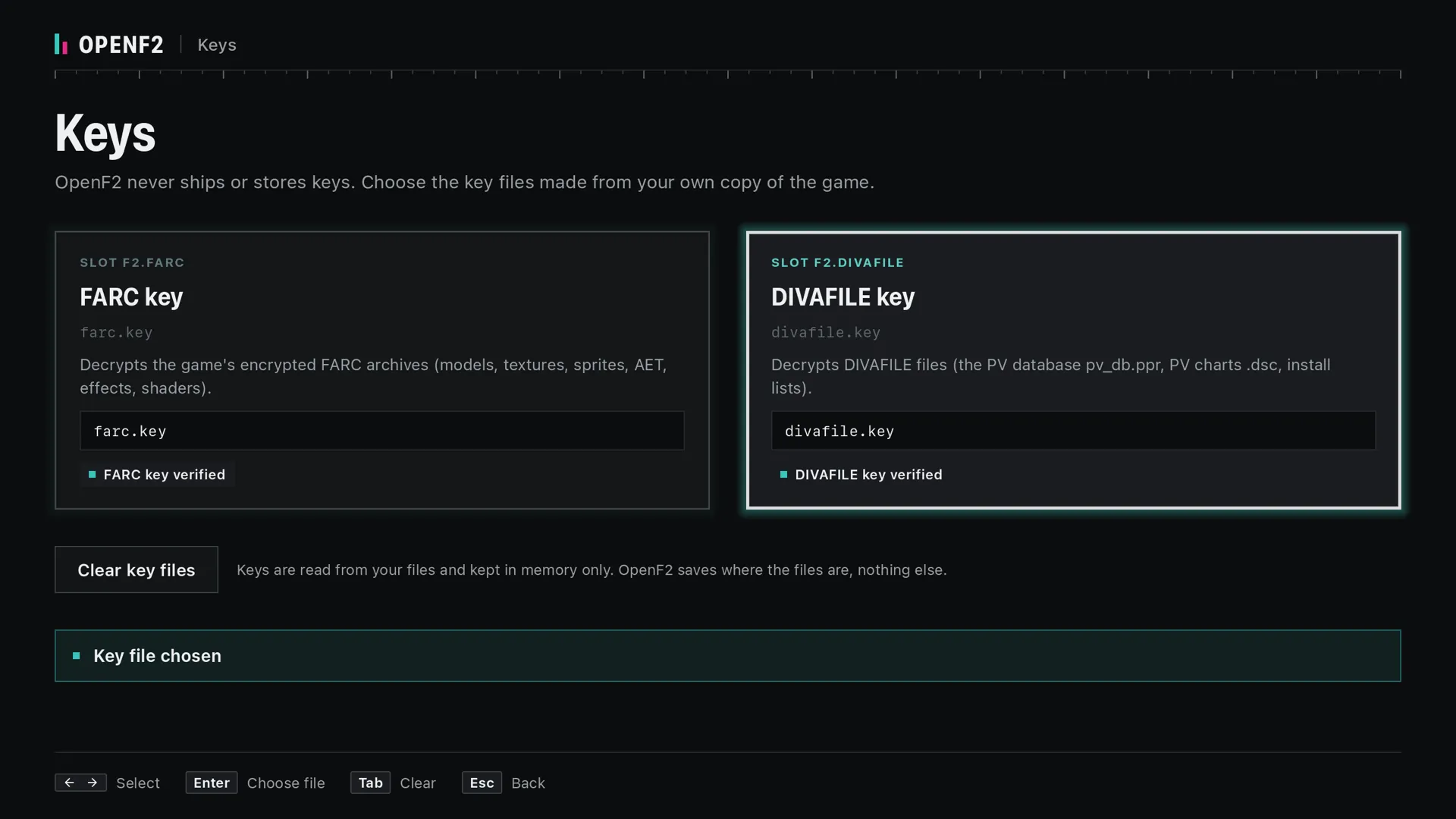
Continue without keys also works: the title still starts, but the encrypted art, charts and PV database stay locked until you add them.
5. Ready to play
Section titled “5. Ready to play”With the folder checked and the keys verified, Setup’s last step shows your game. Play saves this folder as your F 2nd base and starts the game, from its opening to the title screen.
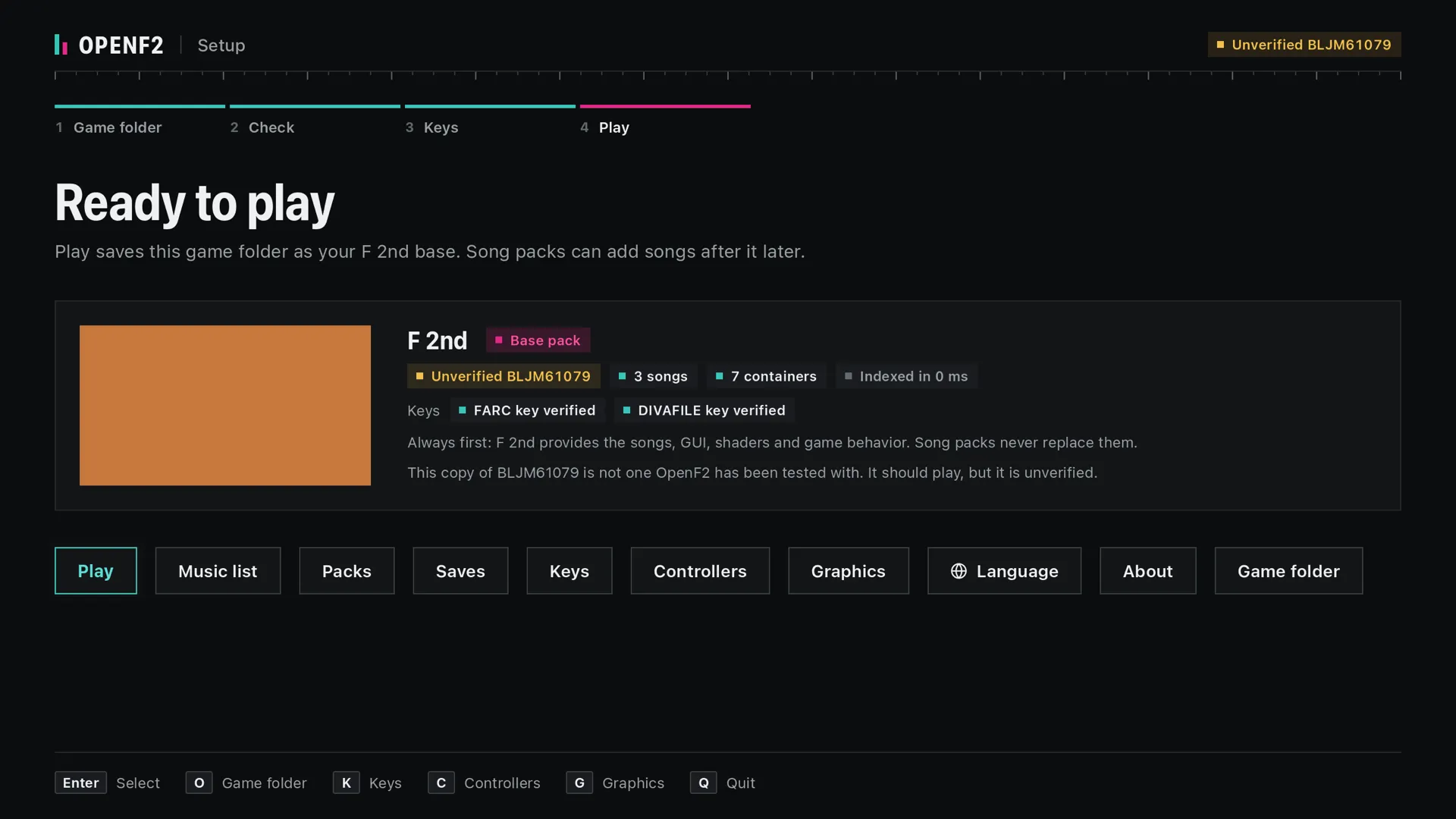
Before you play you can also set up your controllers and graphics. Then see how to play.
Every launch after that
Section titled “Every launch after that”Each launch opens OpenF2’s start screen: F 2nd, any song packs you added after it, and the music list. Play enters F 2nd.
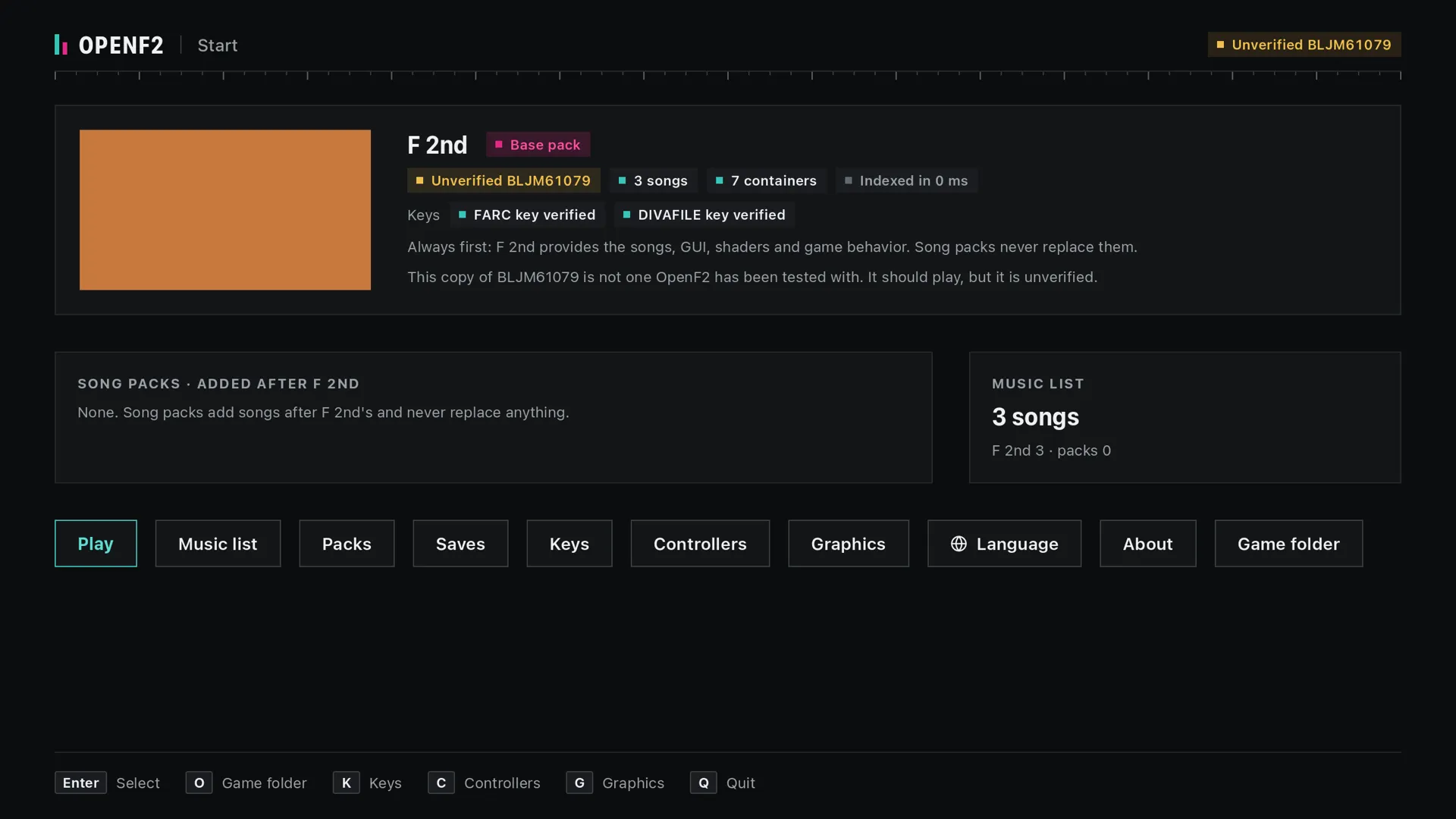
If something changed since last time, OpenF2 opens Repair instead of failing:
| What happened | What Repair offers |
|---|---|
| The game folder is gone (an unplugged drive, a moved folder) | Choose where the game data is now, or try again |
| A key file is missing or unreadable | Choose the key files again, or continue without them for this launch |
Song packs
Section titled “Song packs”Song packs add songs to the music list, after F 2nd’s own and in the order you choose. They never replace F 2nd’s songs, screens or behavior. A broken or unsupported pack is left out with its reason and never stops F 2nd from starting.
OpenF2 is developed by Kasuri Works Ltd.
A Super HD F 2nd for modern hardware. Free software under the GNU GPL, version 2 or later. An independent project, not affiliated with SEGA or Crypton Future Media. Requires your own copy of the game. Privacy