

Graphics settings
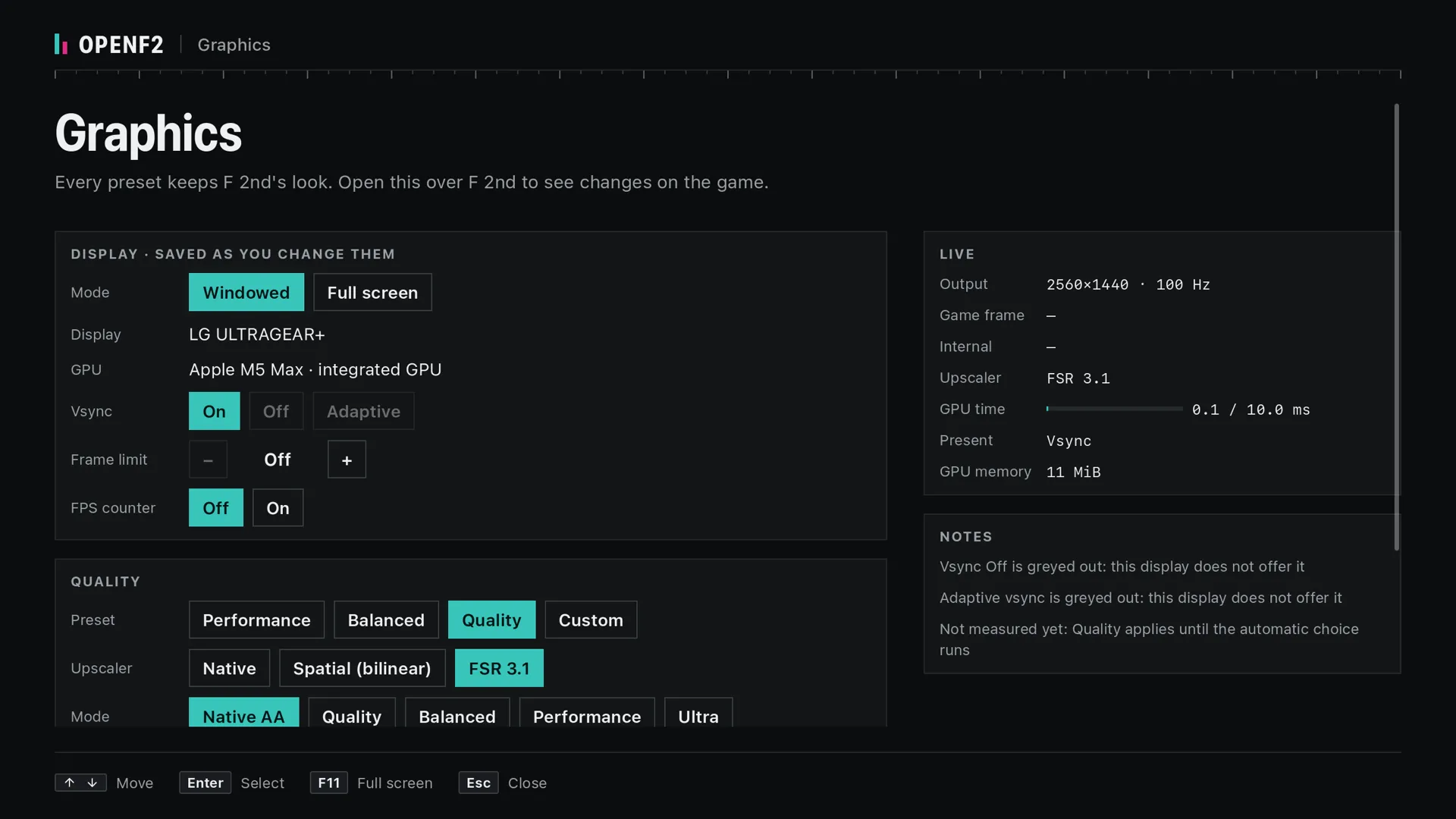
OpenF2 keeps F 2nd’s look and lifts the PS3’s limits. Nothing here changes how the game plays.
The game frame
Section titled “The game frame”- Resolution. The game renders at your display’s native resolution. The frame is the largest 16:9 rectangle that fits your window or screen, centred, with bars around it when the shapes differ.
- Frame rate. OpenF2 runs at any refresh rate. The game’s logic still steps on F 2nd’s own updates, so timing stays true, and frames are scheduled to your display’s refreshes.
- Window. Windowed or full screen, remembered between launches.
Presets
Section titled “Presets”Open the Graphics screen with G.
| Preset | Leans toward |
|---|---|
| Performance | Frame rate |
| Balanced | An even mix of frame rate and detail |
| Quality | Detail at your display’s resolution |
| Custom | Whatever you set, option by option |
The Graphics screen also holds the display settings and an FPS counter. OpenF2 uses what your device reports it can do, and never adds limits of its own.
Super HD
Section titled “Super HD”Super HD work continues alongside the game itself: an upscaler with FSR 3.1, dynamic resolution and presets that adapt as you play. The progress board tracks it as track C.
OpenF2 is developed by Kasuri Works Ltd.
A Super HD F 2nd for modern hardware. Free software under the GNU GPL, version 2 or later. An independent project, not affiliated with SEGA or Crypton Future Media. Requires your own copy of the game. Privacy