

Controllers
OpenF2 is built around PlayStation controllers, in F 2nd’s own button layout. A keyboard and a mouse also reach every screen.
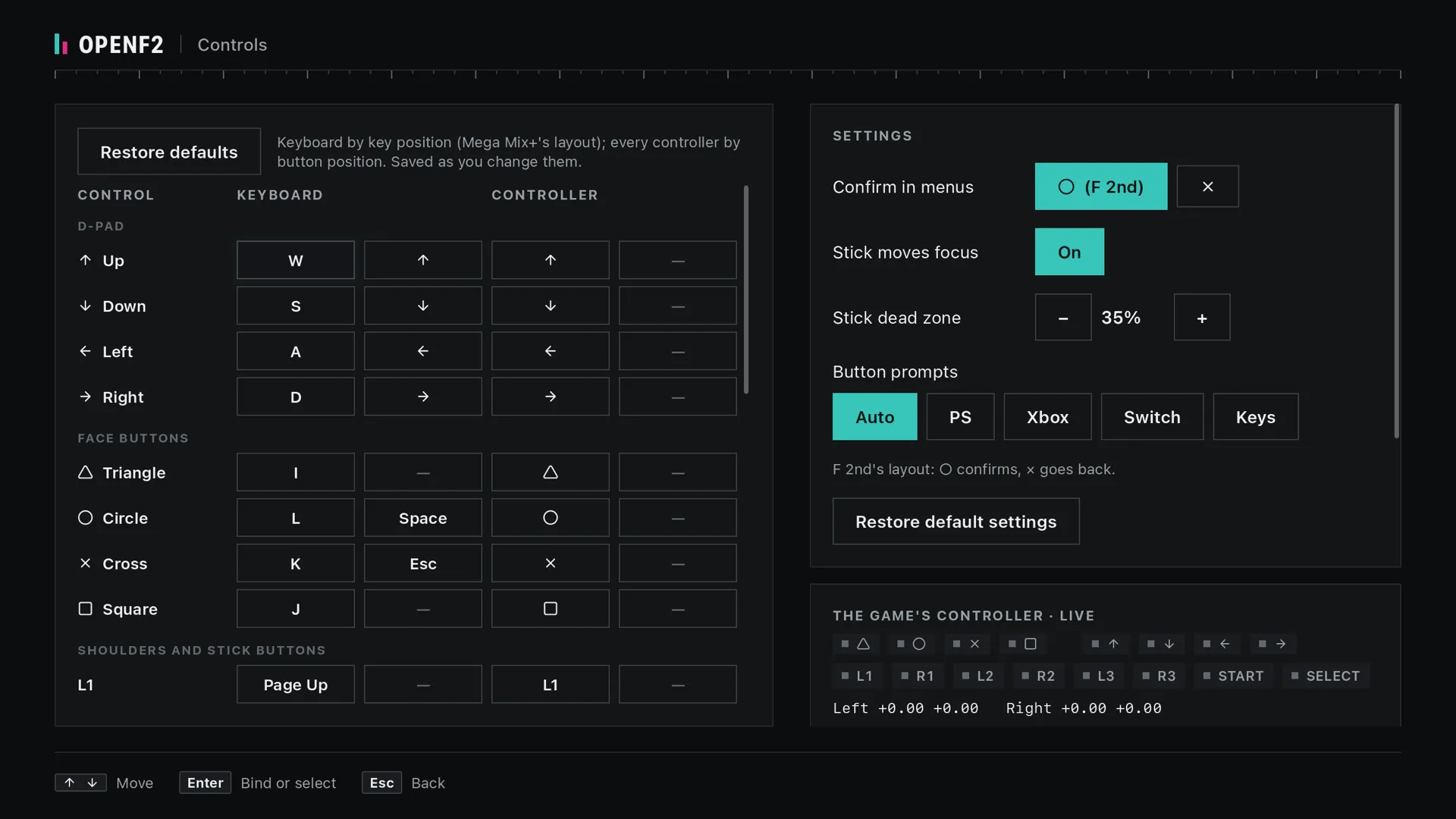
- Controllers. Plug in or pair a PlayStation controller and OpenF2 picks it up, wired or wireless. Button prompts follow the device you used last.
- Keyboard and mouse. Every OpenF2 screen can be used with them.
- The Controllers screen holds the controller settings and shows each connected controller.
Timing
Section titled “Timing”Rhythm game timing depends on your whole setup, not only on OpenF2. Wireless audio in particular can add a delay you can hear: wired headphones or speakers keep it small. A timing calibration screen comes with the rhythm game.
OpenF2 is developed by Kasuri Works Ltd.
A Super HD F 2nd for modern hardware. Free software under the GNU GPL, version 2 or later. An independent project, not affiliated with SEGA or Crypton Future Media. Requires your own copy of the game. Privacy